
Does Cookout Take Apple Pay? (2026 Payment Guide)
You are sitting in the Cook Out drive-thru line, phone in hand, wallet in the other car and the question hits: does Cookout take Apple Pay? The honest answer is frustrating: it depends on the location. Some Cook Out restaurants accept Apple Pay and other tap-to-pay options, while others are still cash-and-card only. Here is the full 2026 picture.
This guide covers exactly which payment methods Cook Out accepts, why Apple Pay availability varies from store to store, how to check your location before you order, and the alternatives (including Cookout gift cards) that work everywhere. Ordering in? See our Cookout delivery options, where payment works differently.
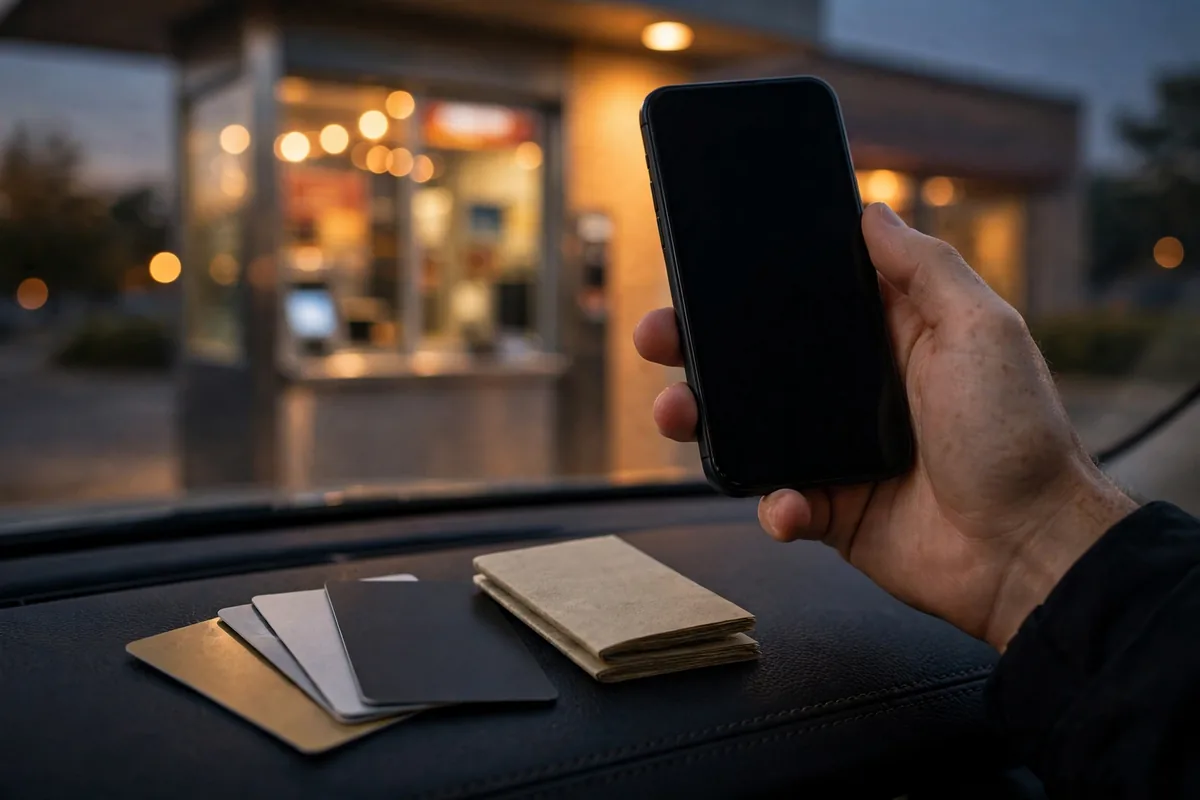
Table of Contents
The Short Answer: It Depends on Your Location
There is no chain-wide yes or no. Some Cook Out locations accept Apple Pay; many do not. Newer and recently remodeled restaurants are more likely to have NFC-enabled card readers that accept tap-to-pay, while older locations often run older terminals. Because Cook Out mixes company-owned and franchised stores, payment hardware is not standardized which is exactly why fan sites contradict each other on this question.
What Payment Methods Does Cookout Accept?
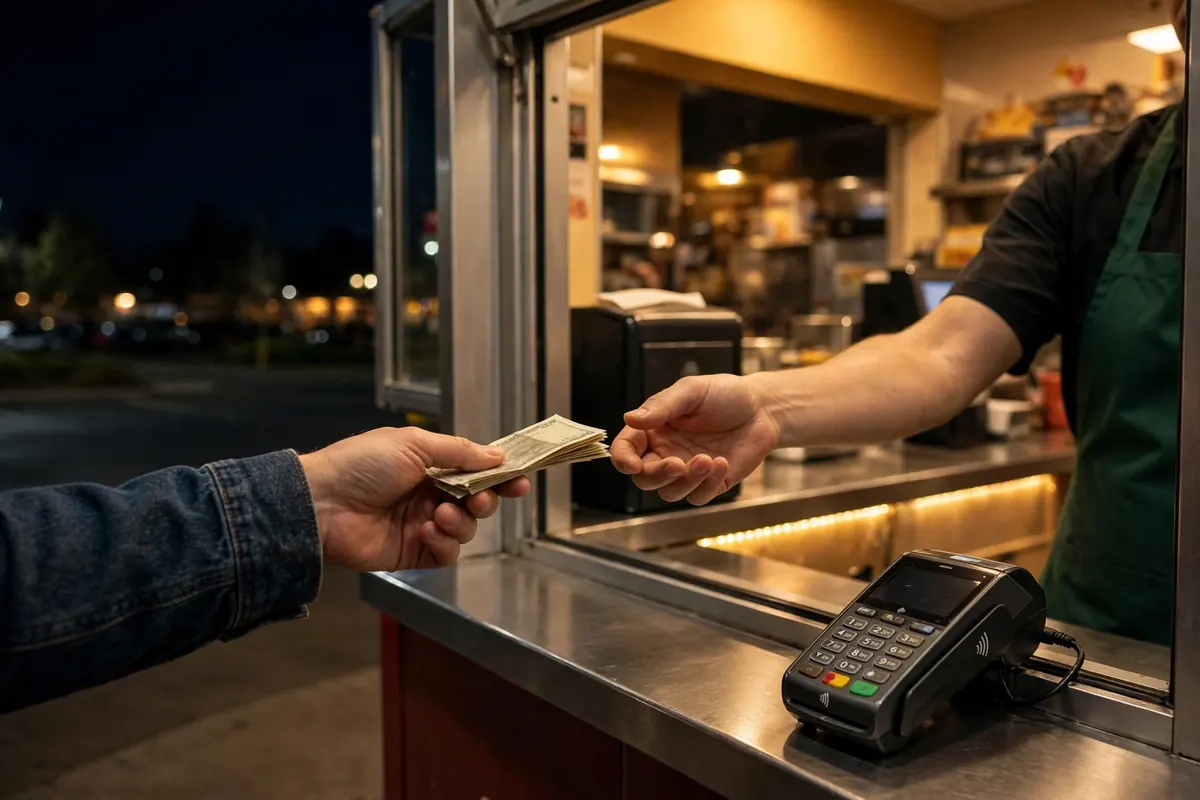
Across virtually all locations, you can count on these: Cash accepted everywhere, no exceptions. The drive-thru window handles it the old-fashioned way. Debit cards widely accepted at the window and walk-up counter. Credit cards (Visa, Mastercard, etc.) accepted at the vast majority of locations. Apple Pay / Google Pay / tap-to-pay accepted at some locations with newer terminals; not guaranteed. Cookout gift cards accepted in-store; see the gift card guide for details. If you only ever carry your phone, the safe move is to confirm before ordering.
Why Apple Pay Acceptance Varies by Location
Three reasons explain the patchwork. First, franchise vs. company stores choose their own point-of-sale hardware, so terminals differ. Second, older locations may still run legacy card readers without NFC capability upgrading costs money, and a busy late-night drive-thru is not eager to change what works. Third, Cook Out has never published a corporate payments policy, so there is no official standard to point to. The trend is slowly moving toward tap-to-pay as terminals get replaced, but it is a location-by-location rollout, not a chain-wide switch.
How to Check If Your Cookout Takes Apple Pay
Do not find out at the window with a car behind you. Three quick checks: 1. Look for the contactless symbol on the card reader at the drive-thru window or walk-up counter the sideways Wi-Fi-like icon means tap-to-pay (including Apple Pay) should work. 2. Ask before you order. At the speaker, a quick “Do you take Apple Pay?” takes two seconds and saves real embarrassment. 3. Check recent Google reviews for your location customers often mention payment options in reviews of specific stores.
Google Pay and Other Mobile Wallets
The same location-by-location rule applies to Google Pay, Samsung Pay, and other NFC wallets: if the terminal accepts contactless, they all work; if not, none do. There is nothing Apple-specific about the limitation it is purely about the card reader hardware at your particular restaurant.
Cookout Gift Cards as a Backup
If your location is iffy on mobile payments, Cookout gift cards are the reliable fallback. Buy one with your phone or card ahead of time, keep it in your wallet, and pay with it at any location no terminal compatibility questions asked. They also make easy gifts for the Cook Out obsessed. Our Cookout gift cards guide covers where to buy them and how they work.
Tips for Paying at the Drive-Thru
Have a backup ready. If you are an Apple-Pay-only person, keep one physical card or some cash in the car for Cook Out runs until you have confirmed your location. Ask at the speaker, not the window. Confirming payment before you order avoids the awkward reverse-out-of-line shuffle. Split payments are iffy. Do not count on splitting a tray order across Apple Pay and cash keep it to one method per transaction. Late-night staffing is lean. The fewer payment hiccups at 1 AM, the happier everyone is.
What to Do If Your Payment Fails at the Window
It happens: you tap your phone, the reader beeps red, and the line is growing behind you. Stay calm and run through the backup ladder. First, try a physical card most “Apple Pay failed” moments are terminal issues, not account issues, and the chip or swipe reader on the same terminal often works fine. If the card also fails, cash is king; keeping a twenty in the glove box specifically for Cook Out runs has saved many late-night orders. As a last resort, ask the cashier if you can pull forward and sort it out most locations would rather help you pay than hold up the line. The real lesson is the one from the tips above: confirm your payment method at the speaker before you order, and always carry a backup.
Frequently Asked Questions
Does Cookout take Apple Pay?
It depends on the location. Some Cook Out restaurants with newer card terminals accept Apple Pay, while many older locations do not. Ask at the speaker or look for the contactless symbol on the reader before ordering.
Is Cookout cash only?
No. Cook Out accepts cash and major debit/credit cards at virtually all locations. It is not a cash-only chain but mobile wallet acceptance is not guaranteed everywhere.
Does Cookout take Google Pay?
Same answer as Apple Pay: it works at locations with NFC-enabled terminals and not at those without. If the reader shows the contactless symbol, Google Pay should work.
Does Cookout accept gift cards?
Yes. Cookout gift cards are accepted in-store at all locations, making them a reliable backup if your location does not take mobile payments.
Can I pay for Cookout online or in an app?
Cook Out has no official app and limited direct online ordering. Third-party delivery orders are paid through the delivery app itself, not at the restaurant.
Why doesn’t my Cookout location accept Apple Pay?
Most likely the card terminals predate NFC/contactless support. Franchise and older stores upgrade hardware on their own schedules, so acceptance varies.
What is the safest payment method at Cookout?
Cash works everywhere with zero uncertainty. A physical debit or credit card is the next-safest bet. Mobile wallets are convenient but should be confirmed per location first.